
Skip to content
Knowledgebase – Frank Internet LogoKnowledgebase – Frank Internet Logo
  • Home
  • Privacy Policy
  • Web Hosting

MikroTik RouterOS

  • MikroTik: Block Facebook & YouTube Access (Browser + Android Apps) – Multi-WAN, Queue Tree Setup

    MikroTik: Block Facebook & YouTube Access (Browser + Android Apps) – Multi-WAN, Queue Tree Setup

    If you want to control Facebook or YouTube traffic in your LAN—whether accessed via browser or Android apps—MikroTik can handle it efficiently. This tutorial is step-by-step and user-friendly. Step 1: [...]

    read more
  • How to Install MikroTik CHR on Ubuntu VPS

    How to Install MikroTik CHR on Ubuntu VPS

    Introduction Are you looking to turn your standard Linux VPS into a powerful network router? MikroTik’s Cloud Hosted Router (CHR) is a version of RouterOS intended for running as a virtual machine. [...]

    read more
  • mikrotik ovpn
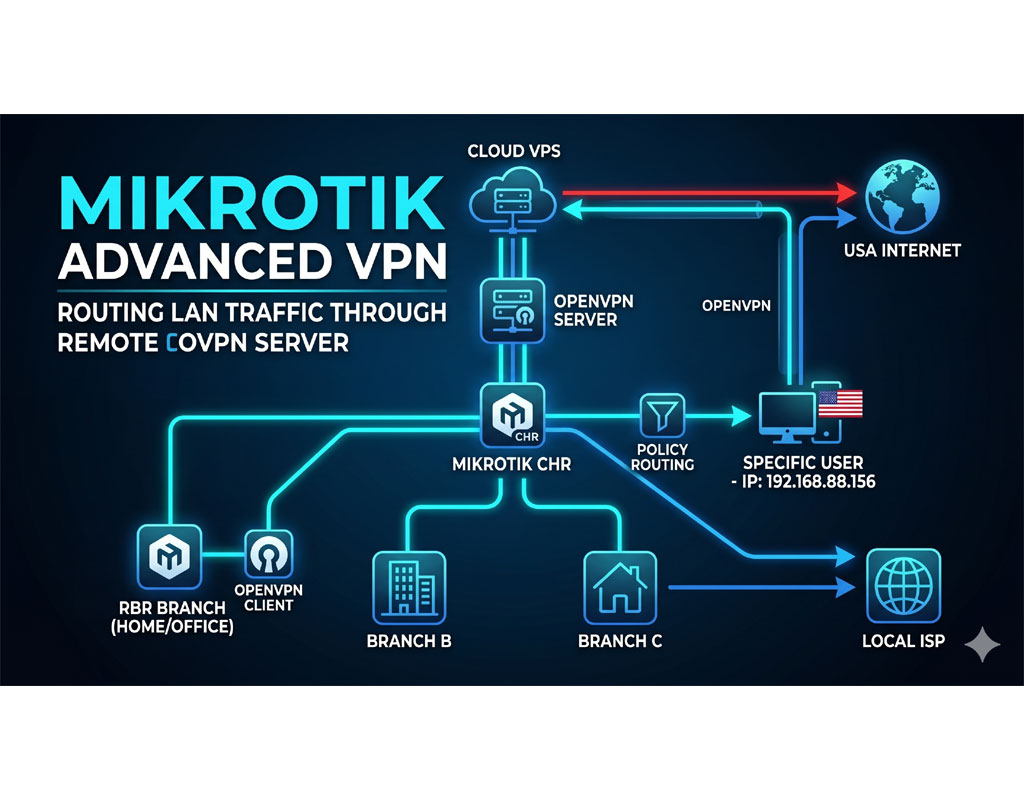
    MikroTik Advanced VPN: How to Route LAN Traffic Through a Remote OVPN Server
    Gallery

    MikroTik Advanced VPN: How to Route LAN Traffic Through a Remote OVPN Server

    Introduction Do you want to mask your home or office IP address to protect your digital identity? While paid VPN services are common, building your own DIY VPN gives you [...]

    read more
  • How to Configure OpenVPN Client on Elastix4 (CentOS 7) to Connect to MikroTik OVPN
    Gallery

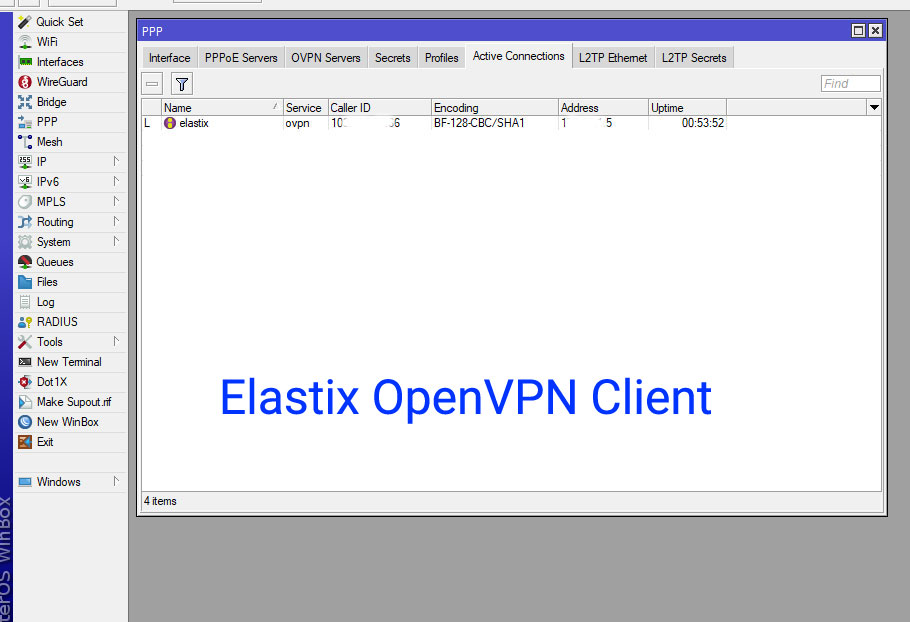
    How to Configure OpenVPN Client on Elastix4 (CentOS 7) to Connect to MikroTik OVPN

    Connecting your Elastix server to a MikroTik OpenVPN server can greatly enhance network security and more features. In this guide, we will walk you through the step-by-step process to set [...]

    read more
  • Step 4 – Elastix After Installation – Network Firewall MikroTik Configure

    Step 4 – Elastix After Installation – Network Firewall MikroTik Configure

    Firewall setup is necessary and important step for Elastix smooth operation. MikroTik Firewall for Elastix Here, I use the example ip addresses as; SIP provider’s IP: 23.220.75.232 MikroTik’s Real IP: [...]
    read more

© 2025 - 2026 • Frank Internet Knowledgebase • All Rights Reserved.

Page load link
We use cookies and third-party services to ensure you get the best experience on our website. Ok
Go to Top