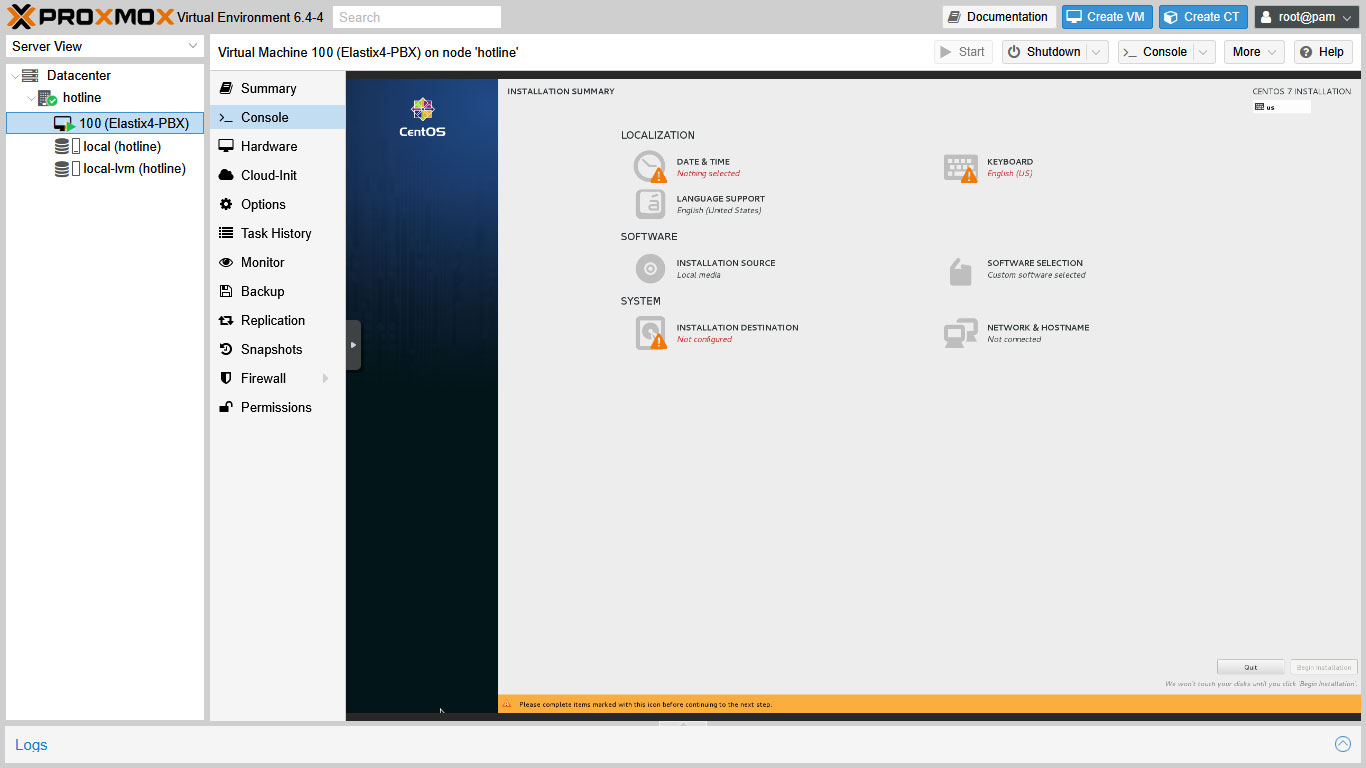
We will use Virtualbox on our personal Windows PC to create the readymade Elastix image (eg. elastix.img file) We should prepare the Virtualbox VM about less than 100 MB storage [...]
⚠️ Legal Disclaimer This guide is provided for educational and research purposes only. Elastix 4.0.76 is an outdated and unsupported version of the Elastix IP PBX platform. The original Elastix [...]
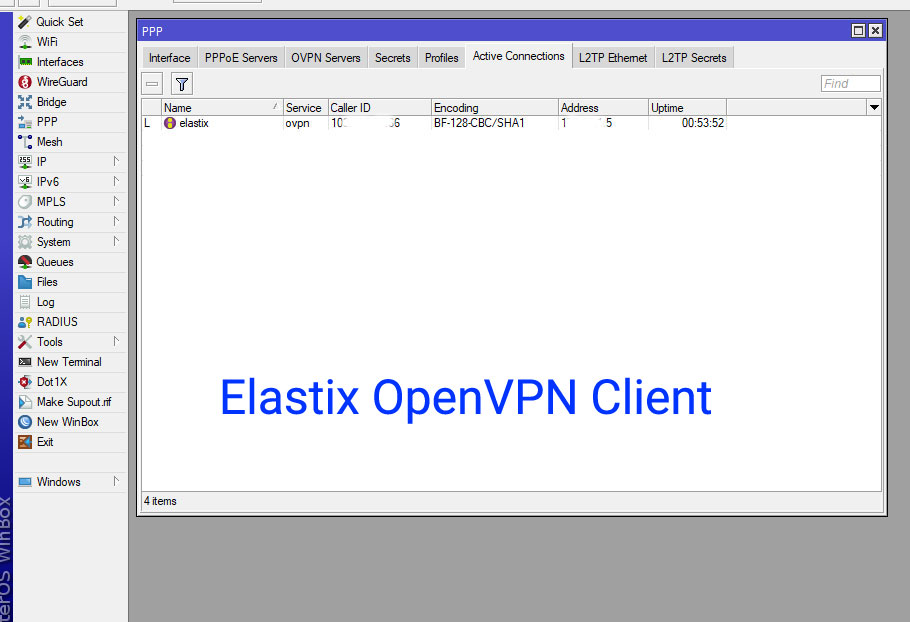
Connecting your Elastix server to a MikroTik OpenVPN server can greatly enhance network security and more features. In this guide, we will walk you through the step-by-step process to set [...]
⚠️ Legal Disclaimer This guide is provided for educational and research purposes only. Elastix 4.0.76 is an outdated and unsupported version of the Elastix IP PBX platform. The original Elastix [...]
⚠️ Legal Disclaimer This guide is provided for educational and research purposes only. Elastix 4.0.76 is an outdated and unsupported version of the Elastix IP PBX platform. The original Elastix [...]
Introduction While the landscape of VoIP and unified communications has evolved, it’s worth taking a look back at the robust features provided by earlier platforms. The Call Center Add-on [...]
This is a very important step ! The key information to connect with the SIP provider Here, I use the example credential as; SIP provider company name: Fast IPTSP SIP [...]
Firewall setup is necessary and important step for Elastix smooth operation. MikroTik Firewall for Elastix Here, I use the example ip addresses as; SIP provider’s IP: 23.220.75.232 MikroTik’s Real IP: [...]
⚠️ Legal Disclaimer This guide is provided for educational and research purposes only. Elastix 4.0.76 is an outdated and unsupported version of the Elastix IP PBX platform. The original Elastix [...]