Skip to content
Knowledgebase – Frank Internet LogoKnowledgebase – Frank Internet Logo
  • Home
  • Privacy Policy
  • Web Hosting

frankdoc

  • mikrotik ovpn
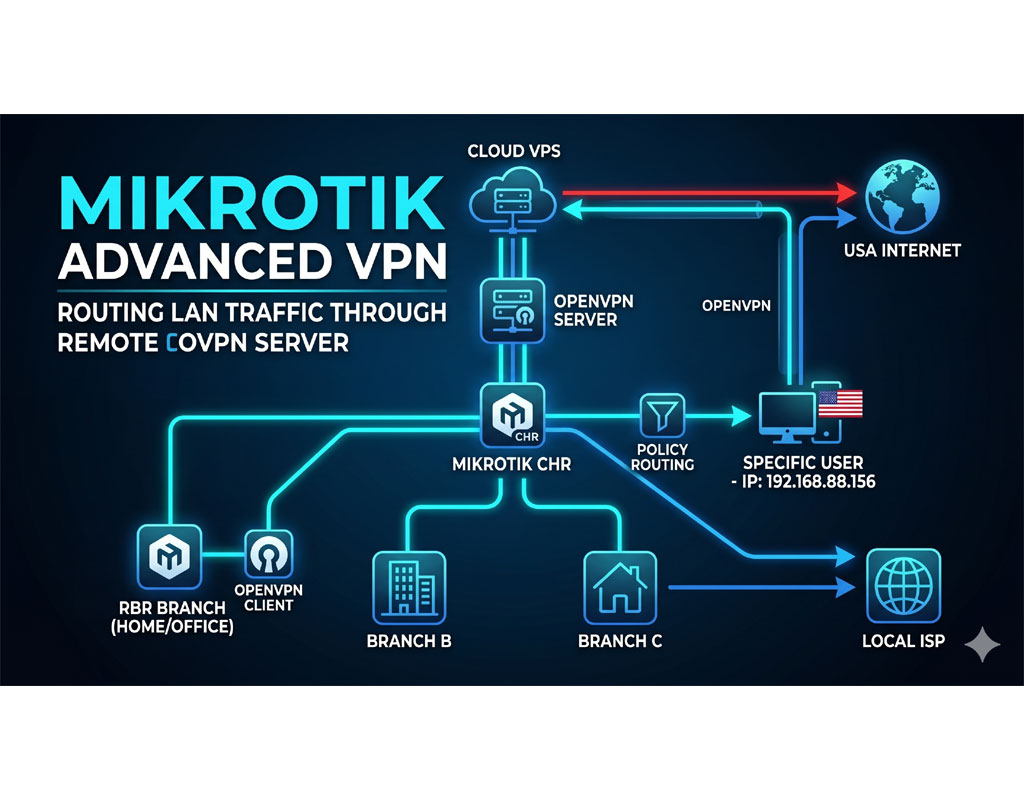
    MikroTik Advanced VPN: How to Route LAN Traffic Through a Remote OVPN Server
    Gallery

    MikroTik Advanced VPN: How to Route LAN Traffic Through a Remote OVPN Server

    Introduction Do you want to mask your home or office IP address to protect your digital identity? While paid VPN services are common, building your own DIY VPN gives you [...]

    read more
  • Elastix 4 Call Center Setup

    Elastix 4 Call Center Setup

    ⚠️ Legal Disclaimer This guide is provided for educational and research purposes only. Elastix 4.0.76 is an outdated and unsupported version of the Elastix IP PBX platform. The original Elastix [...]

    read more
  • modsecurity whitelist
    ModSecurity Whitelist – DirectAdmin ModSecurity
    Gallery

    ModSecurity Whitelist – DirectAdmin ModSecurity

    cd /usr/local/directadmin/custombuild/ mkdir custom chmod 711 custom chown diradmin:diradmin custom cd /usr/local/directadmin/custombuild/custom/ mkdir modsecurity chmod 711 modsecurity chown diradmin:diradmin modsecurity cd /usr/local/directadmin/custombuild/custom/modsecurity/ mkdir conf chmod 711 conf chown diradmin:diradmin conf [...]

    read more
  • Email Marketing Own Hosted Solution – Open Source Email Marketing Software

    Email Marketing Own Hosted Solution – Open Source Email Marketing Software

    We will build an Email Marketing platform by using a VPS. I took a minimul VPS 2 cores, 2 gb ram, 80 gb nvme space. Here, in this tutorial, my [...]

    read more
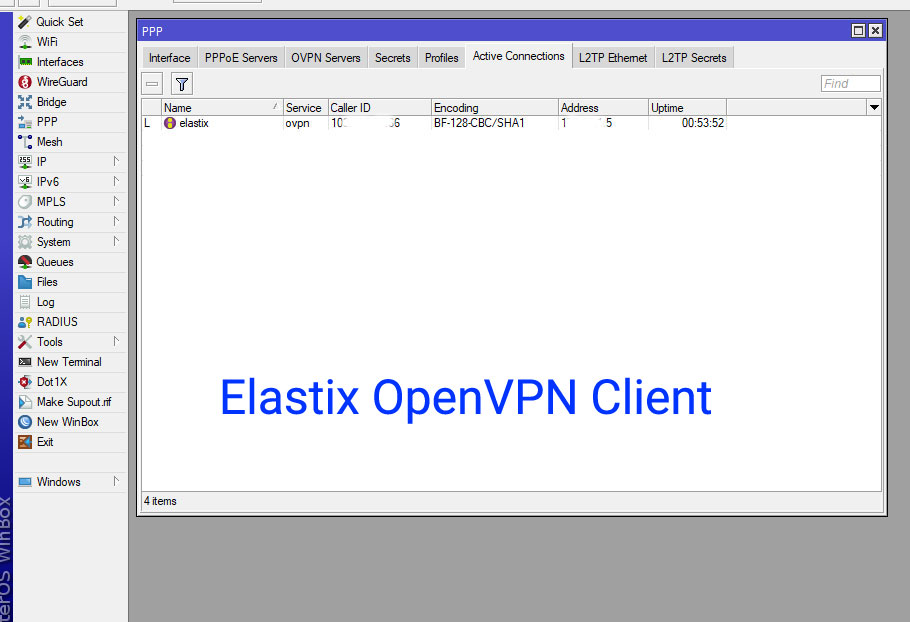
  • How to Configure OpenVPN Client on Elastix4 (CentOS 7) to Connect to MikroTik OVPN
    Gallery

    How to Configure OpenVPN Client on Elastix4 (CentOS 7) to Connect to MikroTik OVPN

    Connecting your Elastix server to a MikroTik OpenVPN server can greatly enhance network security and more features. In this guide, we will walk you through the step-by-step process to set [...]

    read more
  • Step 2 – Elastix (v4) Installation – Free IP PBX Installation
    Gallery

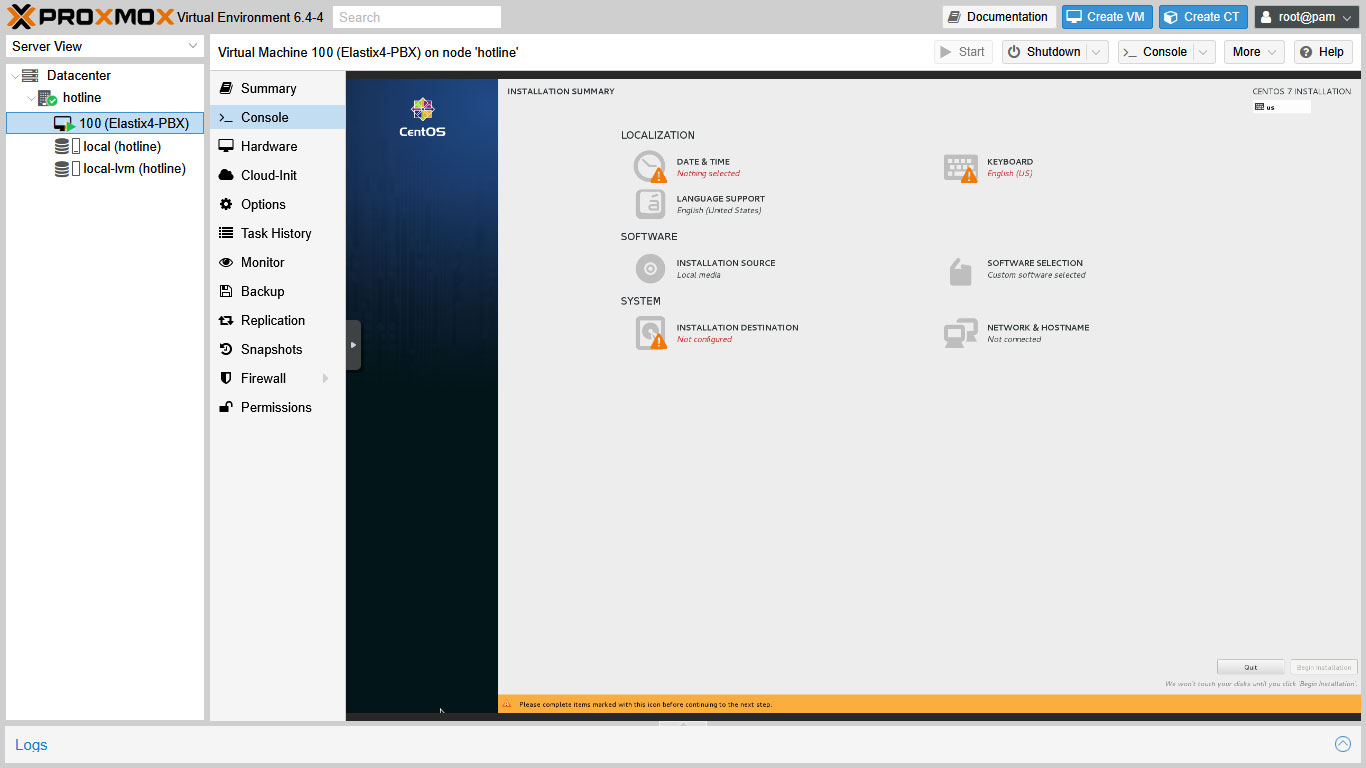
    Step 2 – Elastix (v4) Installation – Free IP PBX Installation

    ⚠️ Legal Disclaimer This guide is provided for educational and research purposes only. Elastix 4.0.76 is an outdated and unsupported version of the Elastix IP PBX platform. The original Elastix [...]

    read more
  • Step 1 – Elastix (v4) IP Telephony System Setup Guide – Proxmox 7

    Step 1 – Elastix (v4) IP Telephony System Setup Guide – Proxmox 7

    ⚠️ Legal Disclaimer This guide is provided for educational and research purposes only. Elastix 4.0.76 is an outdated and unsupported version of the Elastix IP PBX platform. The original Elastix [...]

    read more
  • The Power of the Past: Exploring the Elastix 4.0 Call Center Add-on Features

    The Power of the Past: Exploring the Elastix 4.0 Call Center Add-on Features

    Introduction   While the landscape of VoIP and unified communications has evolved, it’s worth taking a look back at the robust features provided by earlier platforms. The Call Center Add-on [...]

    read more
  • Step 5 – Elastix After Installation – SIP Trunk and Extension Configure

    Step 5 – Elastix After Installation – SIP Trunk and Extension Configure

    This is a very important step ! The key information to connect with the SIP provider Here, I use the example credential as; SIP provider company name: Fast IPTSP SIP [...]

    read more
  • Step 4 – Elastix After Installation – Network Firewall MikroTik Configure

    Step 4 – Elastix After Installation – Network Firewall MikroTik Configure

    Firewall setup is necessary and important step for Elastix smooth operation. MikroTik Firewall for Elastix Here, I use the example ip addresses as; SIP provider’s IP: 23.220.75.232 MikroTik’s Real IP: [...]

    read more
Previous123Next

© 2025 - 2026 • Frank Internet Knowledgebase • All Rights Reserved.

Page load link
We use cookies and third-party services to ensure you get the best experience on our website. Ok
Go to Top